Productivity
Apps That Replace 5 Other Apps (And Simplify Your Phone)
Use apps that replace other apps to cut phone clutter. Keep fewer tools, fewer notifications, and fewer tiny decisions stealing your attention.
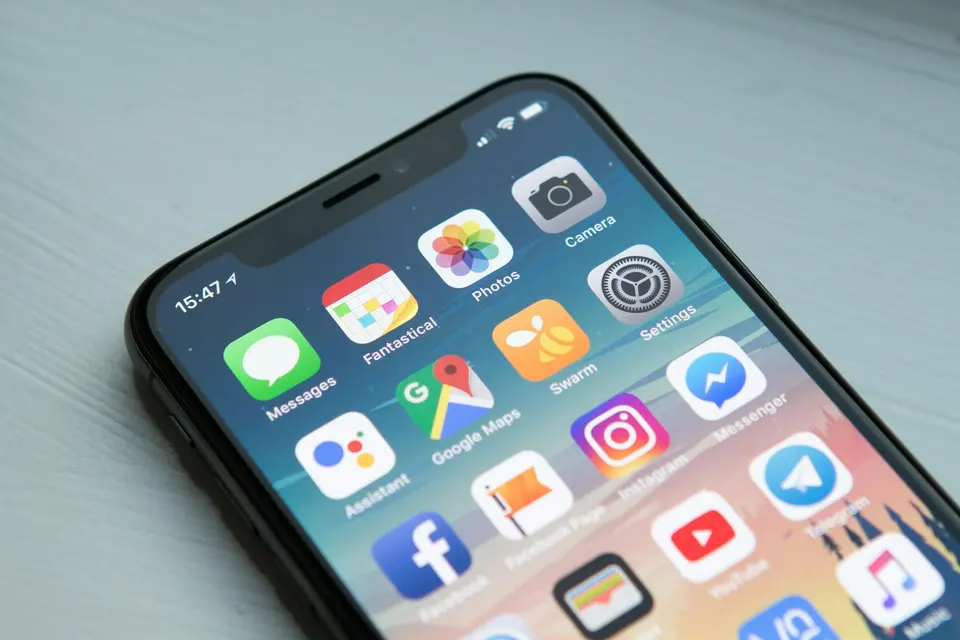
Your phone probably has too many apps.
Not because you are a bad person.
Because every tiny problem now arrives with a tiny app and a tiny notification asking to be part of your personality.
Weather app. Timer app. Notes app. Habit app. Scanner app. PDF app. Reminder app. Fitness app. Calendar app. Three apps you downloaded during a “fresh start” weekend and never opened again.
Enough.
The best phone setup is not the one with the most specialized tools.
It is the one where you can find things, do the task, and get out.
These are apps that replace other apps without turning your phone into a control room.
The app replacement rule
An app earns a home-screen slot if it does at least one of these:
- Replaces multiple weaker apps
- Reduces notifications
- Makes capture faster
- Keeps important data in one place
- Saves enough time to justify its existence
If it does none of those, it is probably clutter with an icon.
Delete bravely.
You can always reinstall.
That sentence is medicine for app hoarders.
1. Apple Notes replaces quick notes, scans, checklists, and saved scraps
If you use Apple devices, Apple Notes should probably be your default capture app.
Not because it is the fanciest.
Because it is fast, free, synced, and already there.
It can handle:
- Quick notes
- Checklists
- Scanned documents
- Locked notes
- Attachments
- Web links
- Simple folders
- Audio recording and transcription on supported devices
That replaces a lot of little apps.
You probably do not need a separate scanner, checklist app, scratchpad, and “quick thoughts” tool.
The move: Create one folder called Inbox. Everything goes there first.
Sort later.
Capture first.
If notes are your wider problem, note-taking apps ranked by someone who’s tried too many gives the bigger decision tree.
2. Notion replaces project docs, simple databases, wikis, and planners
Notion is overkill for grocery lists.
It is useful when information needs structure.
Use it for:
- Content calendars
- Project dashboards
- Client portals
- Research tables
- Team docs
- Repeat checklists
- Lightweight databases
Do not move every thought into Notion.
That is how people build a beautiful system and then avoid it.
The move: Use Notion only when a note needs fields, status, owners, dates, or views.
Plain thought?
Use a notes app.
Structured work?
Use Notion.
If your digital organization keeps becoming interior design, read a digital organization guide.
3. Obsidian replaces long-term notes, research trails, and personal wiki tools
Obsidian is best when your notes need to compound over time.
It uses local files, links ideas together, and stays strong for writing, research, and knowledge work.
Use it for:
- Book notes
- Research
- Linked ideas
- Long-form drafts
- Personal knowledge systems
- Notes you want to own as files
Do not use it because the graph view looks clever.
The graph is dessert.
The actual meal is writing useful notes you can find later.
The move: Start with plain markdown notes, search, and links. Add plugins only after you feel a real pain.
Not before.
4. Google Workspace or Microsoft 365 replaces scattered office tools
Do not run your documents, spreadsheets, presentations, email, and storage through five unrelated apps unless you have a reason.
Most people are better off living in one office suite:
Use one suite for:
- Docs
- Sheets
- Slides
- Calendar
- File storage
- Sharing
- Basic collaboration
The best suite is usually the one your collaborators already use.
Not the one with the prettier landing page.
The move: Stop bouncing between formats unless there is a real workflow reason.
Every conversion is a tiny chance for mess.
Tiny messes become work.
5. Apple Shortcuts replaces small automation apps
If you use iPhone, Shortcuts can replace a bunch of tiny quick-action apps.
Use it for:
- Opening a routine set of apps
- Creating quick actions
- Logging simple events
- Turning repeated taps into one tap
- Running basic automations
Do not start with a complicated automation.
Start with one daily annoyance.
Examples:
- Start focus mode and open your writing app
- Create a PDF from a webpage
- Send a standard text when leaving work
- Open maps, calendar, and music before a commute
The move: Automate the thing you already do manually.
Not the fantasy workflow you hope will make you a new person.
For broader automation sanity, use automation tools that actually save time. The rule is the same: automate pain, not imagination.
6. Apple Health replaces scattered basic health logs
If you are in the Apple ecosystem, Apple Health can act as the central place for health and fitness data from devices and compatible apps.
Use it for:
- Steps
- Sleep
- Medication reminders
- Cycle tracking
- Health records where supported
- Fitness data from compatible devices
- Trends over time
This does not replace a doctor.
Obviously.
It replaces the weird habit of having basic health data scattered across random apps you barely trust.
The move: Let Health be the dashboard. Keep specialized apps only when they add something you actually use.
If a health app mostly sends guilt notifications, delete it.
Guilt is not a feature.
Apps you probably do not need separately
Check your phone for these:
- Flashlight app
- QR scanner
- Simple timer
- Basic scanner
- Basic calculator
- Duplicate weather app
- Three note apps
- Habit app you ignore
- PDF app you used once
- Photo editor that does less than your built-in editor
Delete the obvious ones first.
Do not make this a spiritual quest.
Just remove the clutter.
The 20-minute phone cleanup
Set a timer for 20 minutes.
Then:
- Delete anything you have not opened in 60 days
- Delete duplicate apps in the same category
- Turn off notifications for apps that do not deserve access to your attention
- Move remaining apps into fewer folders
- Keep only daily-use apps on the first screen
That is enough for one pass.
You can do a deeper cleanup later.
For the larger phone reset, read the minimalist phone setup. You do not need to become unreachable. You need fewer cheap interruptions.
The point
Apps that replace other apps are useful only if they make your life simpler.
Not more impressive.
Simpler.
Fewer places to check. Fewer things pinging. Fewer passwords. Fewer tiny decisions. Fewer screens between intention and action.
Your phone should be a tool.
Not a drawer full of tiny unfinished promises.
Delete five apps today.
You will survive the loss.
Advertisement