Business & Entrepreneurship
Content Creator Tools That Don't Require a Film School Budget
Beginner content creator tools do not need to be expensive. Start with your phone, better audio, free editing, simple design, and a posting system.
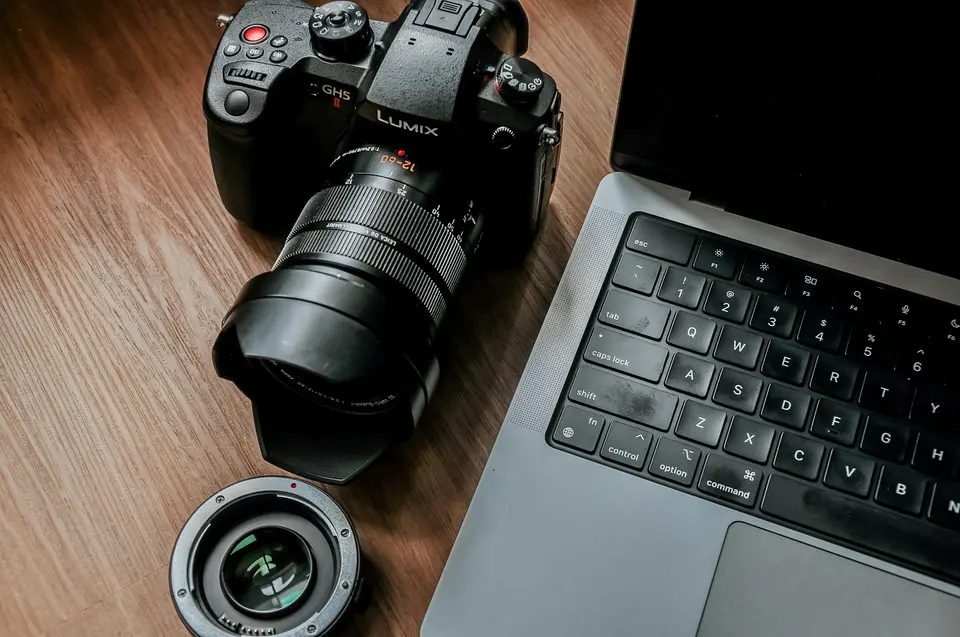
You do not need a film school budget to start creating content.
You need fewer excuses.
Yes, better gear can help.
Later.
At the beginning, expensive gear mostly helps you avoid making the first bad version.
Do not fall for it.
Most beginner content creator tools should do one job:
Help you publish decent work without draining the bank account.
That is the bar.
Not cinematic perfection. Not studio polish. Not a setup that looks impressive in a room nobody visits.
Make the thing. Learn from the thing. Make the next thing better.
The creator stack that actually matters
Start with five pieces:
- Camera
- Audio
- Light
- Editing
- Planning
Notice what is not first:
Buying a camera body because a creator with 800,000 followers said it changed everything.
Their problem is not your problem.
Your problem is consistency and clarity.
Camera: use your phone first
Your phone is good enough to start.
Painful truth.
Useful truth.
Most beginners do not have a camera-quality problem.
They have:
- Bad lighting
- Bad audio
- Shaky framing
- No clear point
- Too much rambling
- No reason for the viewer to care
Buying a better camera does not fix those.
The move: Clean the lens, use the rear camera, face a window, stabilize the phone, and record one simple take.
If you make YouTube videos, use landscape.
If you make short-form vertical content, use vertical.
Do not overthink this.
Shoot for the platform you actually plan to publish on.
Audio: upgrade this before the camera
Bad video is forgivable.
Bad audio makes people leave.
If you spend money early, spend it on sound.
Beginner options:
- Wired lavalier mic
- USB mic for desk recording
- Quiet room
- Soft furniture nearby
- Recording closer to the mic
For audio editing, Audacity is free and open source. It is not glamorous. It works.
If you are recording podcasts, voiceovers, interviews, or screen tutorials, learn basic noise reduction and volume leveling before you buy another thing.
The move: Record a 60-second test. Listen with headphones. Fix the room before blaming the mic.
Light: free beats fancy if you know where to stand
Window light is the cheapest production upgrade.
Use it.
Face the window.
Do not put the window behind you unless you enjoy becoming a mysterious outline with opinions.
Cheap useful items:
- Desk lamp
- White poster board as reflector
- Simple phone tripod
- Clamp light
- Plain background
The goal is not a dramatic studio mood.
The goal is that people can see your face or product without squinting.
Editing: pick the tool for the format
For long-form video, DaVinci Resolve has a serious free version.
It is powerful.
It also has a learning curve.
For quick social clips, CapCut is easier and has free tools, with paid features depending on region and plan.
For design and thumbnails, Canva is the beginner-friendly answer.
Do not install five editing apps.
Pick one for video. Pick one for design. Learn the basics.
The move: Make a repeatable edit checklist:
- Cut dead air
- Fix volume
- Add title if needed
- Add captions if useful
- Export in the right format
- Publish
Editing is where beginners hide.
Do not hide there.
Cut enough.
Ship.
Writing and planning: Google Docs is fine
You do not need a creator operating system on day one.
Use:
- Google Docs
- Apple Notes
- Notion
- Obsidian
- A spreadsheet
- Paper
The tool matters less than the capture habit.
Your planning system needs:
- Idea inbox
- Draft space
- Posting calendar
- Published archive
- Results notes
That is it.
If the system gets prettier than the output, you are decorating.
Stop.
For the practical calendar piece, use how to create a content calendar you’ll actually follow.
The under-$100 starter setup
Here is the real beginner kit.
- Phone you already own
- Cheap tripod
- Basic lav mic or USB mic
- Window light
- Free editing software
- Canva free tier or a simple design tool
- One planning document
That is enough to publish.
Will it look like a professional studio?
No.
Good.
You do not need studio quality to learn the game.
You need reps.
What to avoid buying early
Do not buy these first:
- Expensive camera
- Expensive lens
- Huge light kit
- Paid course before publishing
- Three editing subscriptions
- Fancy desk setup
- Paid scheduler before you have a rhythm
- Brand package before you know the content works
Buy when your current setup is limiting the work.
Not when insecurity wants a receipt.
When to upgrade
Upgrade only when you can finish this sentence:
I need [tool] because my current setup is causing [specific problem] at least once a week.
Good reasons:
- Audio is consistently bad
- Editing takes too long
- Lighting is unreliable
- You need faster batch production
- Your storage or backup system is failing
- Clients or sponsors need higher-quality deliverables
Bad reasons:
- You feel behind
- Someone online has nicer gear
- Buying feels easier than publishing
- The tool is on sale
- You want to look more serious
Looking serious is not the job.
Publishing useful work is the job.
The first 30 days
Do this instead of shopping.
Week 1
Publish with your current phone and one free editor.
Make three pieces.
Week 2
Improve audio.
Change the room, distance, or mic.
Week 3
Improve light and framing.
Use the same setup every time.
Week 4
Review what people actually watched, read, saved, or replied to.
Then decide whether any tool deserves money.
The point
Beginner content creator tools should be cheap, boring, and easy to repeat.
Your first job is not to build a studio.
Your first job is to build evidence.
Evidence that you can publish. Evidence that your ideas land. Evidence that you can keep going after the first awkward attempts.
Use what you have. Fix audio first. Use free editing. Keep the setup simple. Make more work than excuses.
For the wider beginner creator path, read starter pack: your first newsletter or starter pack: making YouTube videos without expensive gear. Same rule: prove the habit before upgrading the toys.
Advertisement