Tools & Resources
The Apps That Survived My Annual Purge
Every year I delete ruthlessly. Here's what made the cut - the nine apps that actually earned their place on my phone and laptop.
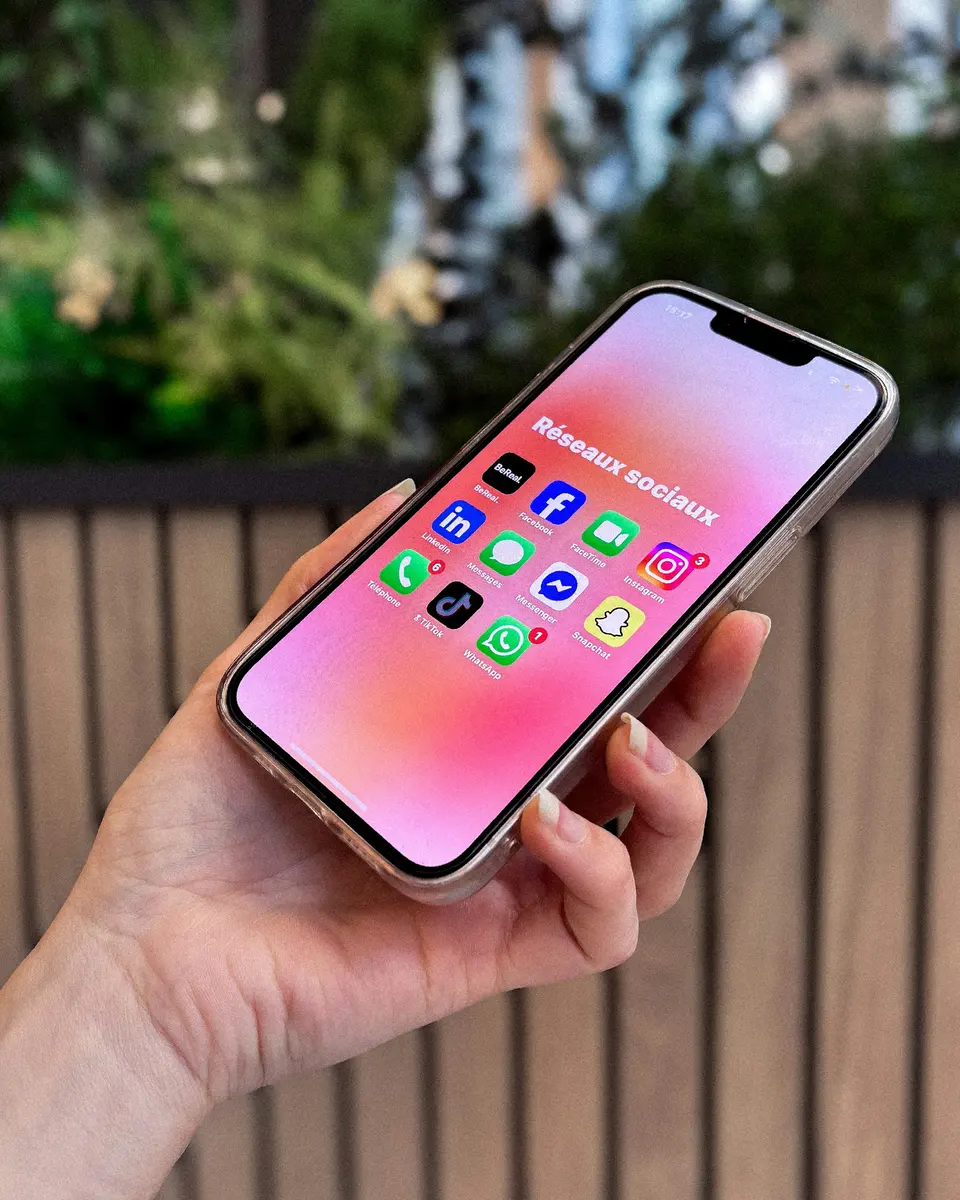
I deleted a pile of apps again.
Some were paid.
Some were pretty.
Some had the kind of clean landing page that makes you believe your life is one download away from order.
Cute story.
Most were gone in ten minutes.
The apps that survived were not the flashiest ones. They were the ones with real jobs.
That is the test.
Not “Do I like this?”
Not “Was this recommended by someone smart?”
What job does this app do that nothing else in my stack does better?
If the answer is vague, delete.
1. The Password Manager
This one is not optional.
If you are still reusing passwords because your memory feels heroic, stop it.
Why it stayed: It removes risk and friction at the same time.
That is rare.
A good password manager saves logins, creates strong passwords, fills them across devices, and lets your family access important accounts if something happens.
Not sexy.
Necessary.
This is one of the few app categories where paying can be boring in the best way.
2. The Fast Capture Note App
I do not need every note to become a database.
I need a place to throw a thought before it evaporates.
Why it stayed: It opens fast and does not ask me to organize first.
That is the whole job.
The note app that wins is not the smartest one.
It is the one you actually use while the idea is still alive.
If your notes keep becoming renovation projects, go read why I deleted most of my bookmarks. Same hoarding pattern, different drawer.
3. The RSS Reader
Social feeds are a terrible way to read.
They mix useful posts with outrage, jokes, ads, and someone having a 19-part public meltdown.
No thanks.
Why it stayed: It lets me choose sources instead of letting the feed choose my mood.
RSS is not trendy.
Good.
Trendy is not a feature.
4. The Email App That Reduces Touches
I am not looking for a romantic email experience.
I want fewer touches per message.
Why it stayed: It helps me sort, reply, archive, and move on.
That is all email software has to do.
If an email app makes me admire workflows instead of clearing the inbox, it is gone.
Your inbox is not a lifestyle.
It is a queue.
Treat it like one.
5. The Writing App
This survived because writing is real work for me.
Not decoration.
Not a hobby corner.
Work.
Why it stayed: It gives me a clean place to draft, revise, and find old work.
That sounds basic because it is basic.
Basic is allowed.
The tool should make writing easier, not make the tool feel important.
If the app keeps inviting you to build a cathedral instead of a paragraph, close it.
6. The File Transfer Tool
Some jobs still involve moving files to odd places.
Not glamorous. Still real.
Why it stayed: It handles a boring technical chore without drama.
That is a useful app.
No personality required.
No dashboard.
No newsletter.
Just connect, move the file, leave.
7. The Camera Roll Cleaner
Photo libraries become junk drawers with thumbnails.
Screenshots, receipts, duplicates, blurry attempts, and 47 versions of the same desk picture.
Why it stayed: It lets me delete and sort fast.
That is it.
The best photo utility is not the one that creates memories.
It is the one that lets me remove 300 useless images without needing an afternoon and a chair massage.
8. The Time Tracker
I do not track every minute.
That way lies madness and fake precision.
Why it stayed: It gives me enough truth to price and plan better.
I want rough reality.
Not surveillance.
Not self-punishment.
Just enough data to notice when admin work is eating paid work.
If you get strange around tracking, read why I stopped tracking every minute of my day before you build a dashboard shrine.
9. The Secure Access Tool
If you manage servers, sites, or remote systems, you need a reliable way in.
Why it stayed: It keeps access organized and reduces stupid mistakes.
That is the whole point.
The best technical tools do not make you feel powerful.
They make routine work calm.
Calm is underrated.
The Pattern
The survivors had five traits:
- Clear job
- Frequent use
- Low friction
- Reliable sync or access
- No fake urgency
Everything else got judged hard.
Pretty but unused?
Gone.
Useful but duplicated?
Gone.
Powerful but annoying?
Gone.
This is the same rule behind apps that replace five other apps: one strong tool can earn its place. Five weak ones cannot form a personality.
Do Your Own Purge
Open your phone.
Open your laptop.
Ask every app:
- What job do you do?
- How often do I use you?
- What would break if you vanished?
- Do I already have another tool for this?
- Would I pay for you today?
That last question gets spicy fast.
If the answer is no, delete it or cancel it.
You can reinstall apps.
You cannot reinstall attention.
If this stings, the hidden cost of free tools is the one to read next. And if you want the long view, the tools that survived five years in my stack is the older sibling of this purge.
Advertisement