Tools & Resources
Free Software Alternatives: Check the Whole Workflow
Compare LibreOffice, Photopea, and DaVinci Resolve with the work you need to do. Check compatibility, export, privacy, and migration costs.
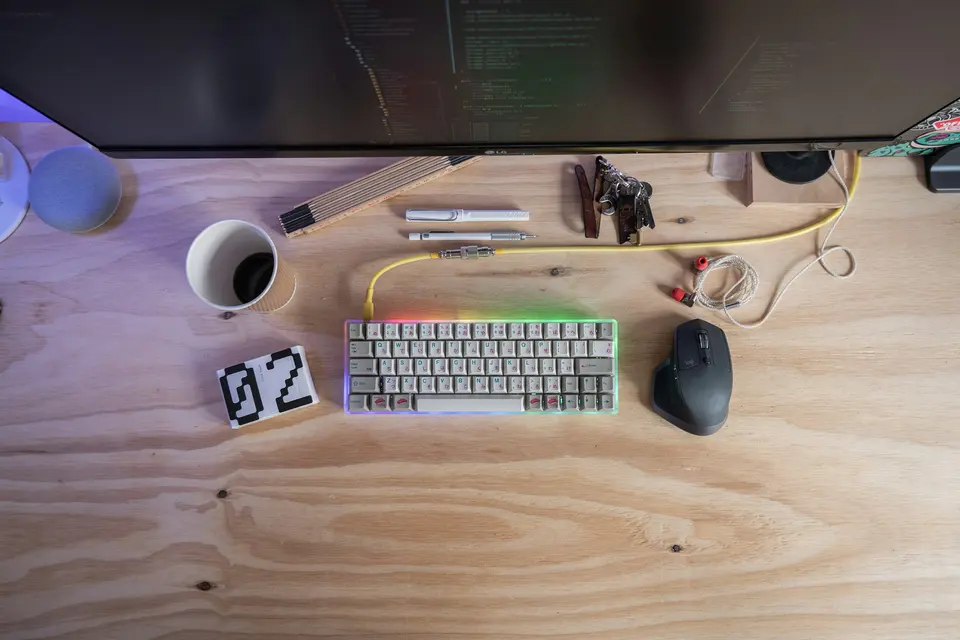
A free alternative is worth considering when it meets the requirements of your actual work. The subscription price is only one part of the decision. Compatibility, data handling, and the cost of a failed handoff belong in the comparison too.
Correction, September 22, 2026: The earlier title implied personal software replacements that did not occur. Unverified plan claims and an arbitrary 90-percent switching rule have been removed. This is a documentation-based comparison, not a hands-on review.
LibreOffice for office documents
LibreOffice is a free, open-source office suite that includes Writer, Calc, and Impress. It is a candidate for document, spreadsheet, and presentation work where its capabilities match the requirement.
Before replacing another suite, test representative files with complex formatting, formulas, fonts, comments, and exported output. Ask a collaborator to open the result in the software they actually use. A document opening successfully does not prove that every feature survived.
This article has not run that compatibility test. Do not cancel an established team service until shared editing, access, and required file behavior have been checked.
Photopea for browser-based image editing
Photopea’s documentation describes a browser editor for raster and vector graphics, including PSD support. It is a candidate for work such as cropping, resizing, and editing a supplied image file.
Test the features your task needs, including fonts, layers, color requirements, and export. Verify the current service terms and data handling before opening confidential client material. Browser-based operation alone is not a complete privacy assessment.
The recommendation here is to evaluate a specific job, not to assume every professional Photoshop workflow transfers. Use the free design tools guide for a wider starting point.
DaVinci Resolve for video work
Blackmagic Design offers DaVinci Resolve and a paid Studio edition. Its product page describes editing, color, visual effects, and audio tools, while distinguishing capabilities of the paid edition.
Check the current supported operating system, hardware, media formats, and free-edition limits for the version you intend to install. Use a short sample with your actual input format and required output settings before committing a deadline to it.
A powerful editor can still be the wrong choice for a simple task or an underpowered device. No render-speed or stability benchmark was performed for this article.
Compare the cost of the transition
Create a small checklist:
- Required features and acceptable output
- Collaborator and client compatibility
- Accessibility and device support
- Privacy, licensing, and approved data use
- Export, recovery, and continued access to old files
- Setup, learning, maintenance, and any paid add-ons
There is no useful universal rule that a tool covering 90 percent of your work is enough. The missing feature might be irrelevant, or it might be the reason the project cannot ship.
Keep a reversible trial
Use copies of representative non-sensitive files. Save the original, record the app version and device, and compare the final output. Keep the paid tool until you have verified the replacement against the requirements that matter.
These product descriptions were checked against official pages on September 22, 2026. They do not establish personal savings, long-term reliability, or a current price for every region.
Read the hidden cost of free tools for the broader tradeoffs. The durable technology checklist helps assess support and exit costs after the trial.
Advertisement