
How to Evaluate Tools for Long-Term Use
Evaluate software support, export, recovery, access, and maintenance. A familiar tool still needs evidence that it can serve your current work.
Tag
A focused shelf of PickyFox posts on tools & resources.
Evaluate software support, export, recovery, access, and maintenance. A familiar tool still needs evidence that it can serve your current work.
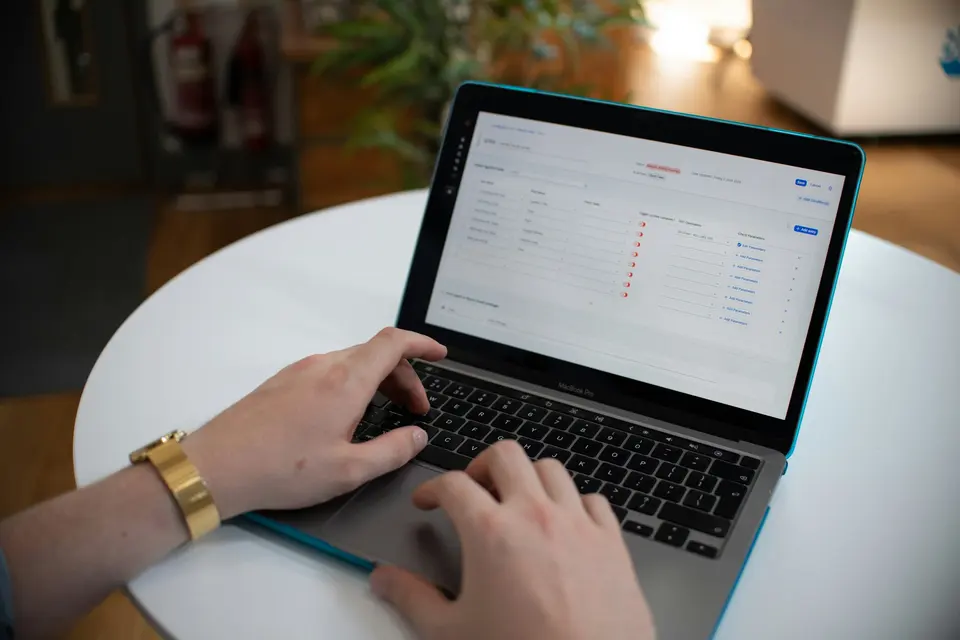
Start with stable routines, then automate low-risk steps. Give each workflow an owner, a failure signal, and a way to stop it.
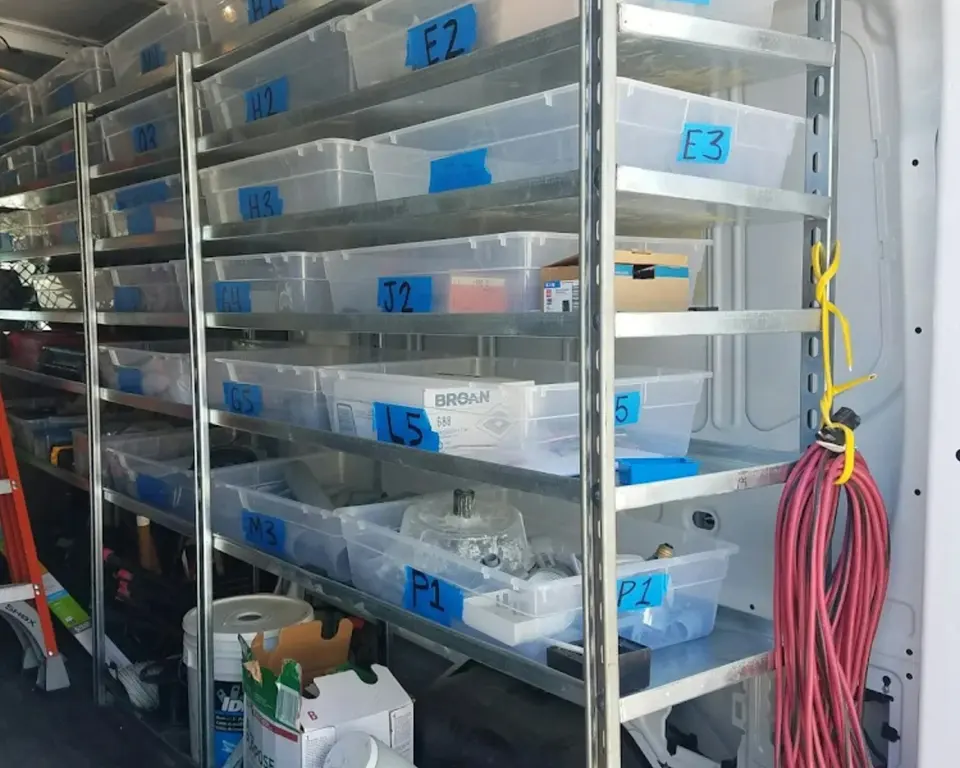
A tool stack is useless if nothing connects. Stop collecting apps and start wiring the few workflows that actually move your work forward.

You do not need a giant AI tech stack. You need a few tools with clear jobs, no overlap, and monthly proof they still matter.
AI tools for freelancers should save time without damaging trust. Use them for drafts, research, code, meetings, and admin. Keep judgment human.

Personal automation should remove tiny annoyances, not turn your life into a dashboard. Start with the boring stuff.

Build an AI workflow around approved inputs, a clear brief, source verification, and final review. Measure the full effort, including corrections.

Explore eight tool design ideas for less admin, with privacy, permission, and failure-handling questions. Concepts, not claims of market novelty.

Review apps by their purpose, reliability, access, and data needs. Rarely used security tools can matter as much as daily work software.

Compare Obsidian, Joplin, VS Code, and Typora by writing workflow, free-plan limits, file ownership, and export needs.
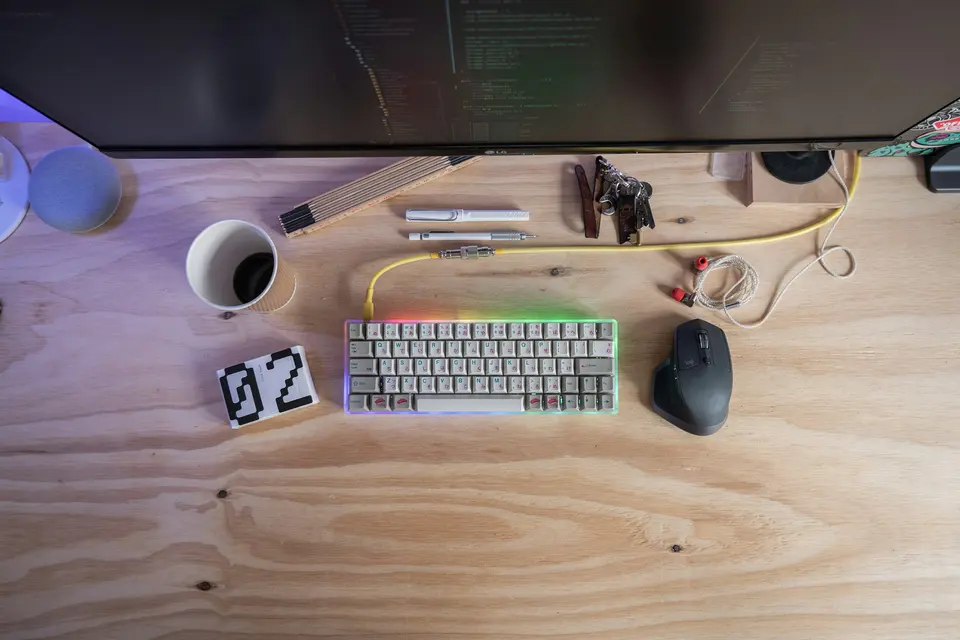
Compare LibreOffice, Photopea, and DaVinci Resolve with the work you need to do. Check compatibility, export, privacy, and migration costs.

Start a podcast on a budget. Buy one decent mic, fix the room, pick a simple format, and stop pretending gear is the hard part.